
A short, 11-minute class, using free software, to do exactly what it says on the tin. It’s free for the last week of January. Once you enrol in the class it’s free for life. In February it will be switched to premium. Premium access to Skillshare costs as little as $0.99 for the first 3 months and gives you access to thousands of classes on everything from writing characters, social media and watercolour painting.
Course Link: http://skl.sh/2G40lMs
Le blurb:
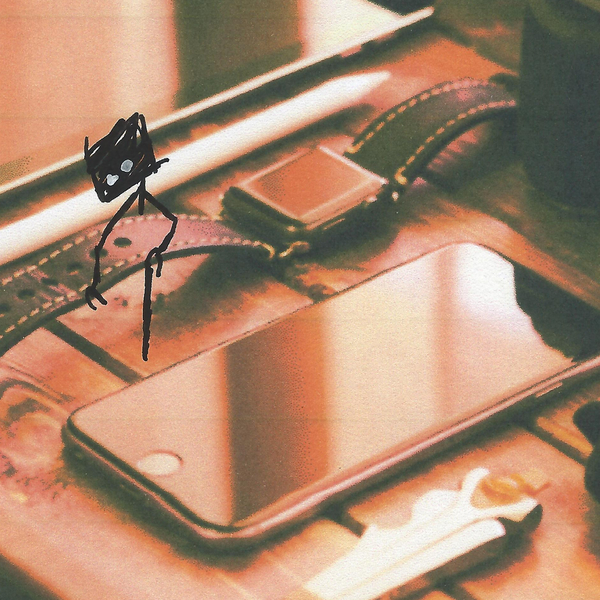
I am a prolific doodle. I love doodling. On the list of everything, I do in life, doodling ranks quite highly. There’s something about doodling. It helps me relax, focus, create new characters and honestly, I’m a simple man, I don’t own much stuff, so doodling gives me something to do at home other than watch the telly and play on my smartphone.
Now every so often I doodle up a new monster that I want to use in one of my Little Fears projects. It could be an art print a Threadless t-shirt or a Colour Collective portrait on Twitter. So I take my doodles into the free graphics software program, GIMP, and turn them into high resolutions .pngs that I can mix up into whatever project I happen to have that week.
Do you doodle as well? Have you ever drawn a simple image and thought, man, if that were tidied up a bit, I’d love that as a website banner? But do your eyes glaze over when someone mentions raster vs vector? If that sounds like you, this course may be of help.
You’ll need to download GIMP for this class which you can download here: https://www.gimp.org/downloads/
Course Link: http://skl.sh/2G40lMs


 Little Fears